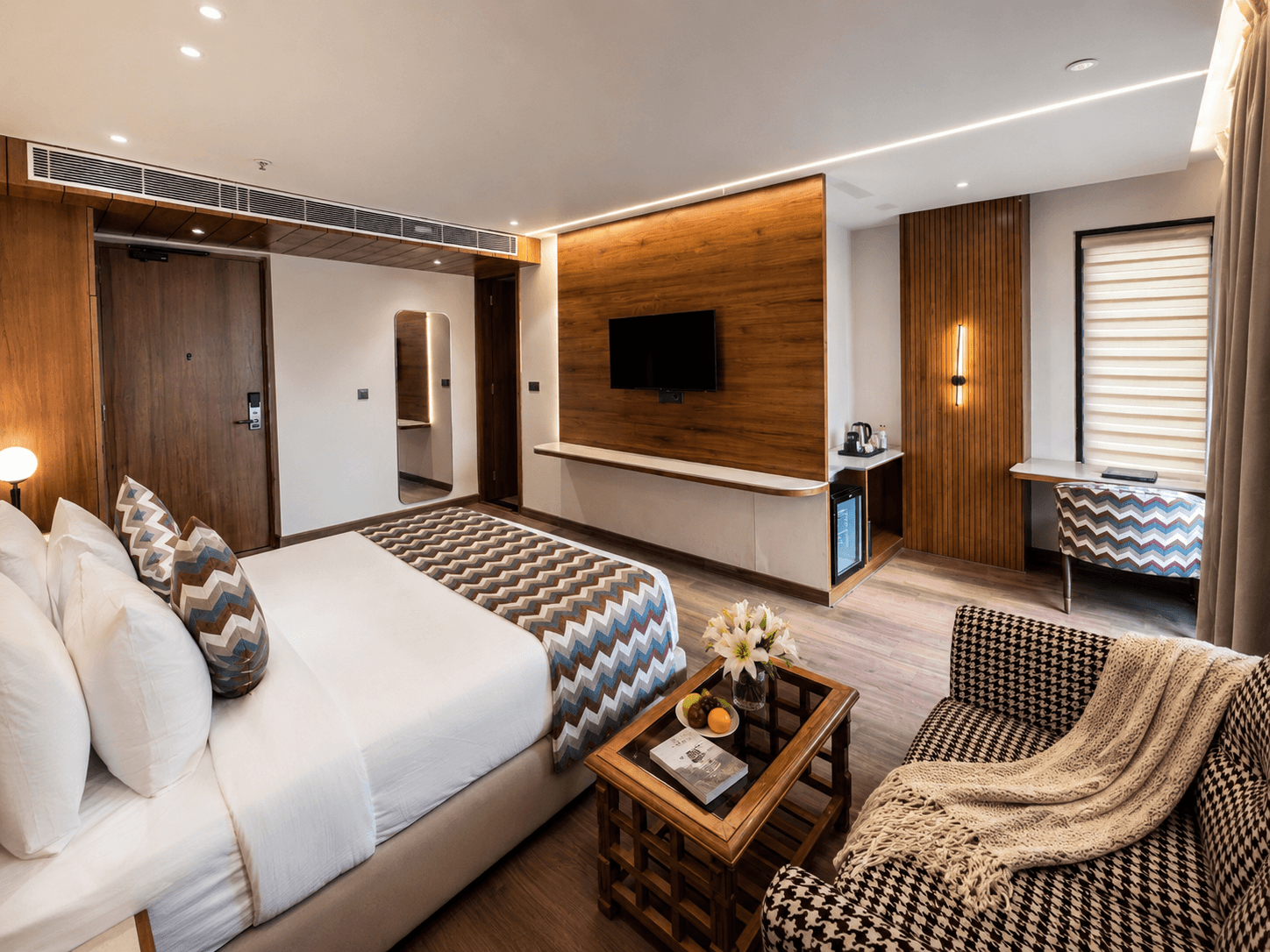
Junior Suite
Junior Suite: A spacious retreat featuring a cozy sofa for added comfort, perfect for unwinding after a long day. Blends modern elegance with premium amenities for a luxurious stay.
View Details
Situated in the heart of the city, and a stone's throw from the city's coveted eateries and culture, Shanti Sarovar provides business and holiday-makers with a luxurious, modern and ambient urban getaway.

Fresh linens, curated wall art and hand-picked minibars keep Shanti Sarovar rooms simple, smart and sophisticated.
Junior Suite: A spacious retreat featuring a cozy sofa for added comfort, perfect for unwinding after a long day. Blends modern elegance with premium amenities for a luxurious stay.
View Details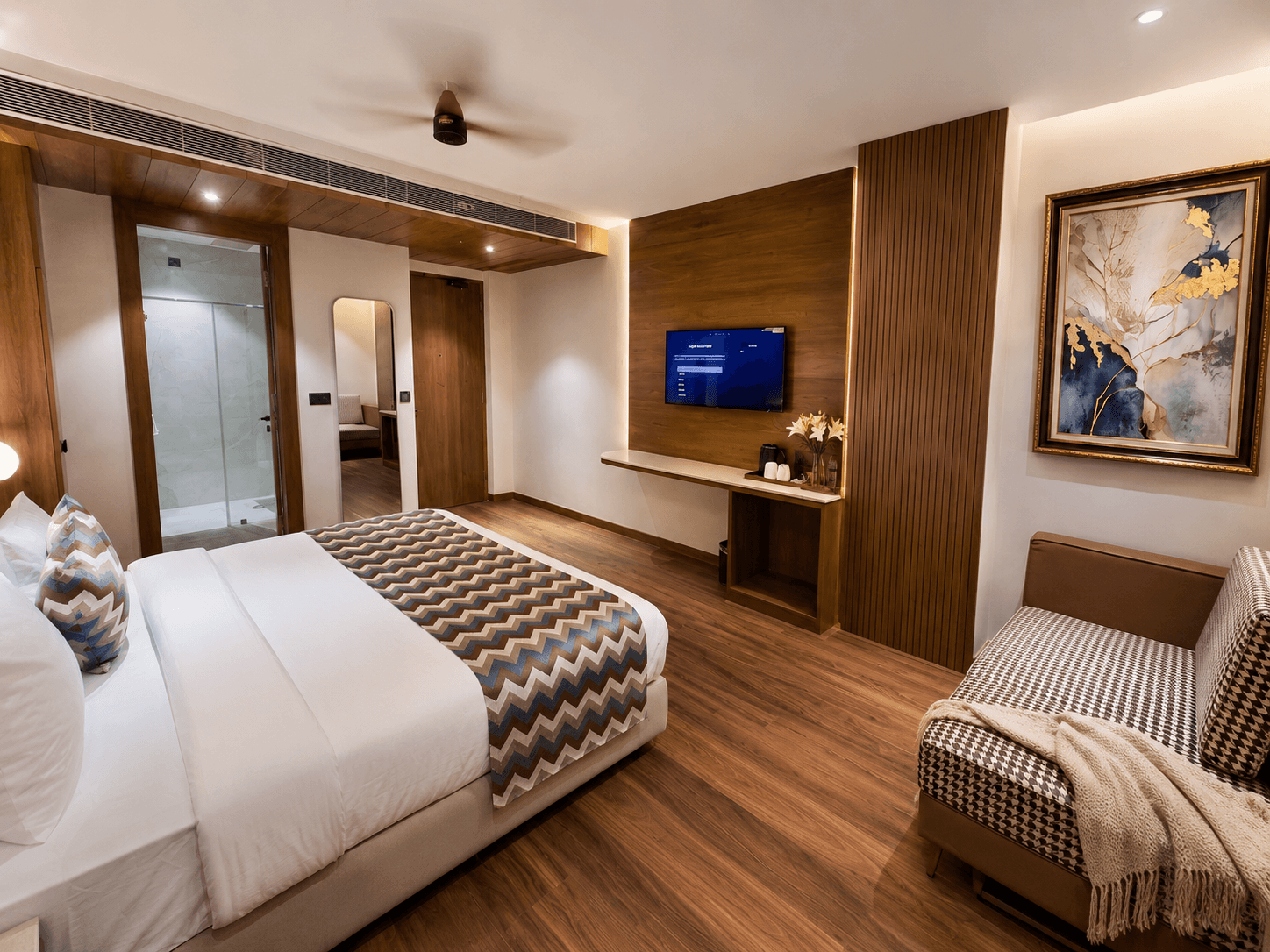
Designed for added luxury, the Superior Room boasts a spacious king-sized bed, a cozy sitting area, and top-tier amenities for ultimate comfort.
View Details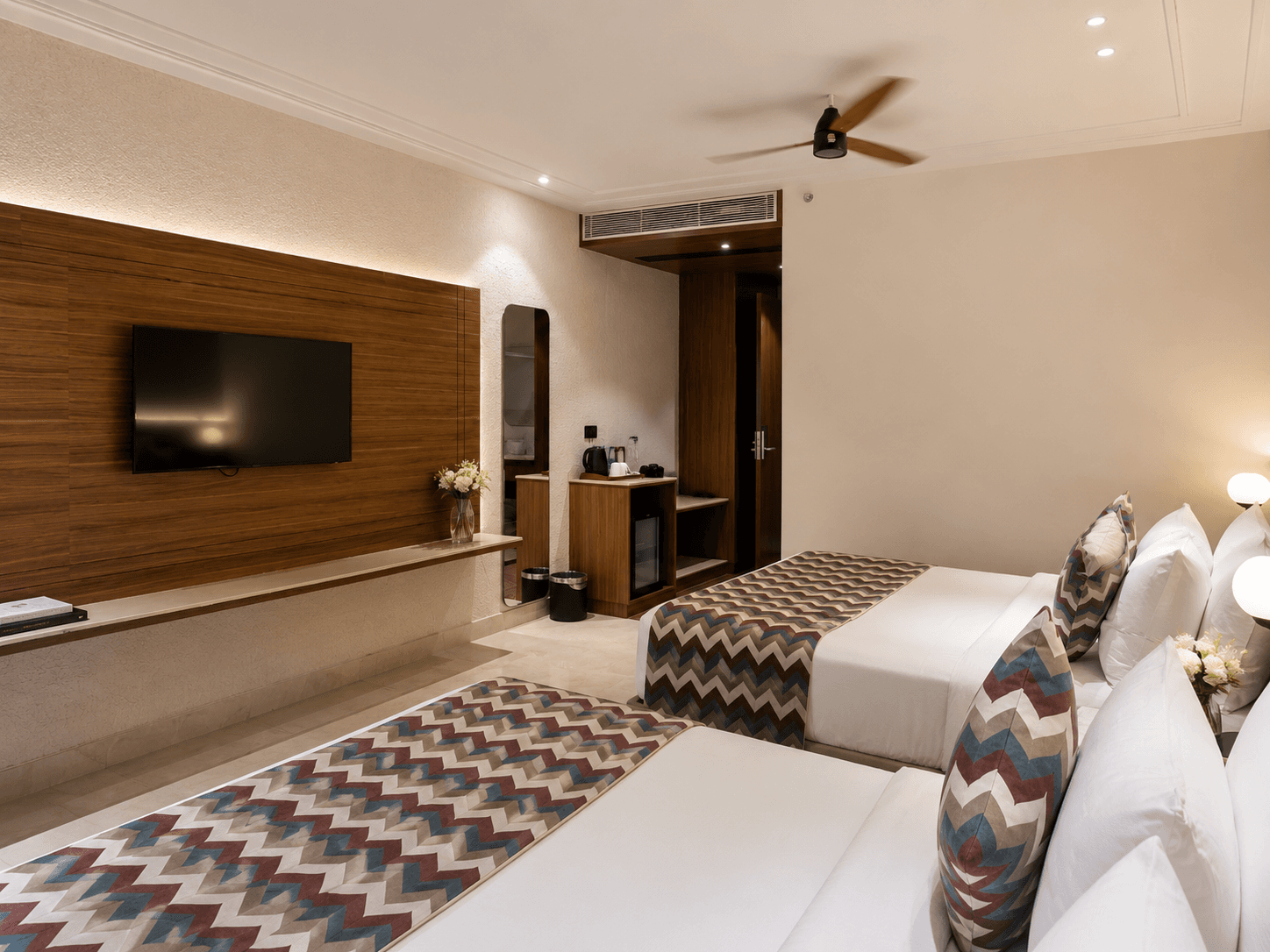
Ideal for families, this room includes two double beds, offering plenty of space and comfort for your loved ones to enjoy a peaceful retreat together.
View Details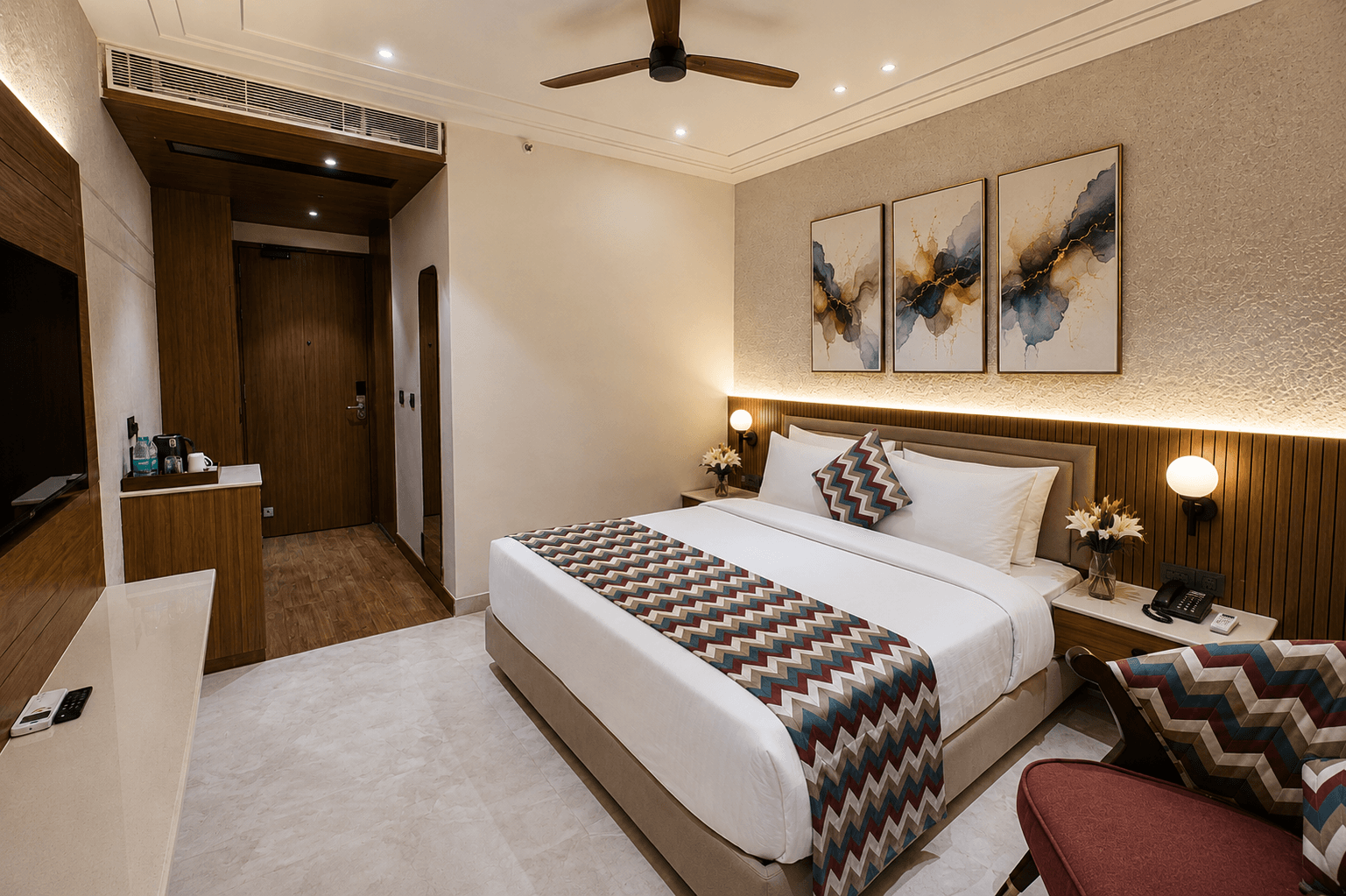
This room features a comfortable king-sized bed and modern amenities for a relaxing stay.
View Details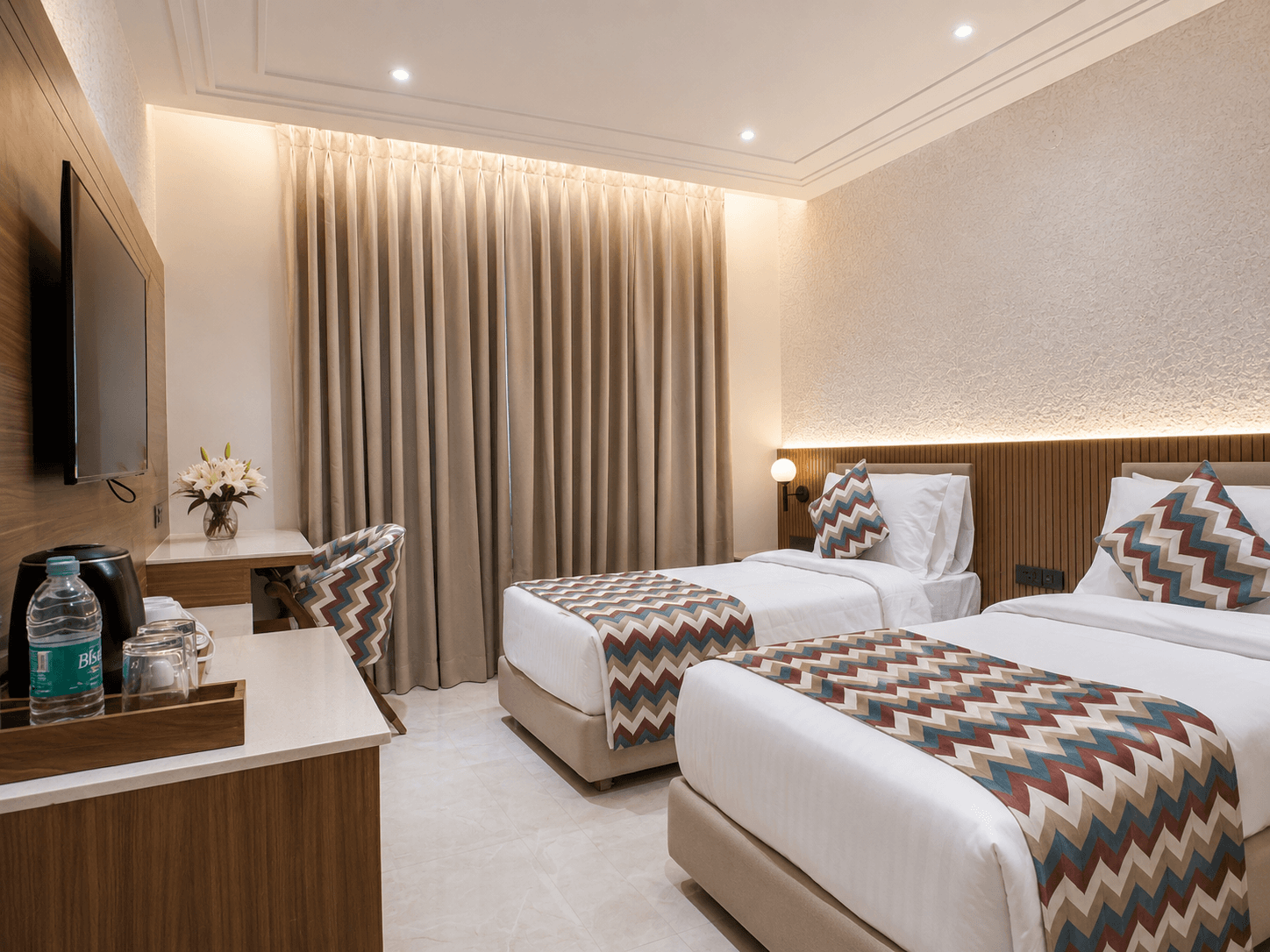
A comfortable stay with two separate single beds, ideal for friends or colleagues traveling together. Can also be converted into one. Equipped with modern amenities for a relaxing experience.
View Details 4.8/5622 reviews
 4.9/5245 reviews
 9.0/1070 reviews
 9.2/1090 reviews
 Free WiFi
 Rooftop Cafe
 Free Parking
 Hair Dryer
 Daily Housekeeping
 Tea/Coffee Maker
 24/7 Power Backup
 Premium Toiletries
 Lift
Lift Mini Refrigerator
 Samsung 4K LED TV
 Sound Proofing & Acoustics
 Centralised AC
 Intercom
 Running Hot & Cold Water
 All Major Cards Accepted